Power reliability is becoming a bigger conversation for building owners, campuses, and facility leaders.

As more systems depend on clean, stable electricity for IT networks, imaging equipment, life safety systems, and even building operations, the question isn’t whether you need backup power, but what kind of backup power strategy makes sense for your facility.

Generators and UPS systems are often lumped together as if they serve the same purpose. In reality, they play very different roles. Understanding how each one works—and how they work together—is the key to designing a resilient, code-compliant, and cost-effective backup power plan.

What a UPS Actually Does: Instant, Clean, NoBreak Power

A UPS, or uninterruptible power supply, is designed to do one thing exceptionally well: provide instantaneous power when the utility fails. There’s no delay, no flicker, no transfer time. The load never sees the outage.

Most modern UPS systems use a double-conversion design. Incoming AC power is converted to DC to charge the batteries, then inverted back to AC for the equipment. This allows for power to always flow through the UPS to the load, not requiring a short blip to switch to battery power. That continuous conditioning also helps regulate voltage and protect sensitive electronics.

UPS systems come in several scales:

  • Point-of-use units for individual computers or workstations
  • Rack-mounted UPS for IT racks
  • In-line rack systems for larger data rooms
  • House UPS systems that feed a full distribution panel
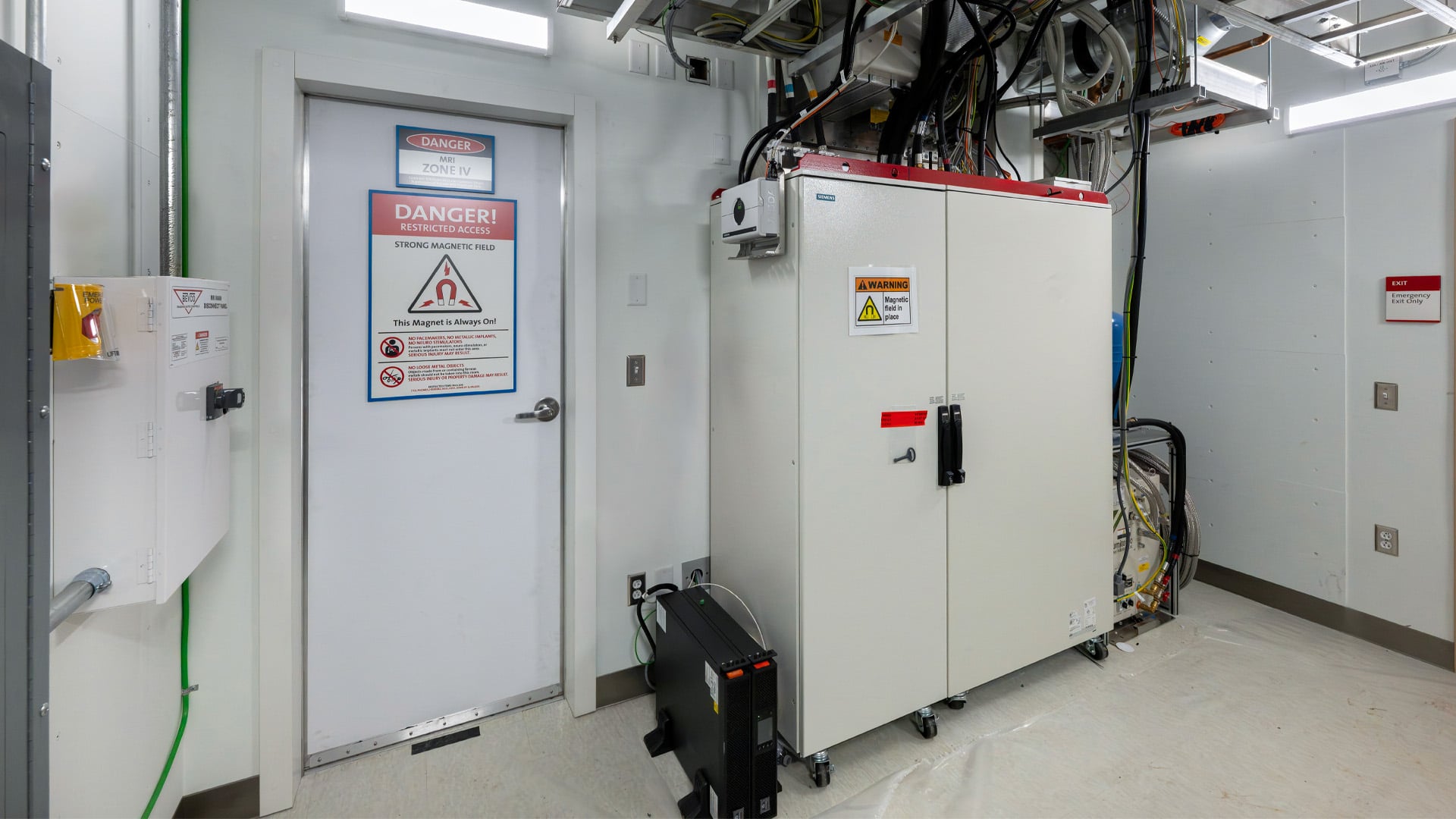
  • Vendor-supplied UPS units for individual pieces, like healthcare imaging equipment

But no matter the size, all UPS systems share one limitation: runtime. Most are designed for 5–15 minutes of operation. That’s long enough to ride through short outages, allow equipment to shut down safely, or bridge the gap until a generator starts.

One important clarification: building-scale battery systems paired with solar are not UPS systems. They behave much more like generators in how they supply power and how long they can run.

What a Generator Does: LongDuration Backup Power

If a UPS handles the first few minutes of an outage, the generator handles everything after that.

Generators use diesel, natural gas, or propane to produce electricity for as long as fuel is available. Diesel systems rely on onsite tanks—either “belly tanks” under the generator or larger underground tanks—while natural gas systems can run indefinitely as long as the utility stays online.

Generators are sized based on the loads they support, measured in kW or kVA. They can serve a single piece of equipment, a portion of a building, or an entire facility.

Start-time requirements are driven by code:

Life safety loads (emergency lighting, fire alarm, certain elevators) must be online within 10 seconds.

Optional or owner-selected loads have no required start time.

A generator can’t operate alone. It must be paired with a transfer switch to shift the building from utility power to generator power. Transfer switches come in manual, automatic, open, closed, and delayed types, and the type you choose affects how much (if any) momentary power loss occurs during testing or transfer.

Regular testing is essential, and depending on the transfer switch type, testing can cause brief interruptions. Sensitive equipment connected to a generator should always be paired with a UPS to avoid these blips.

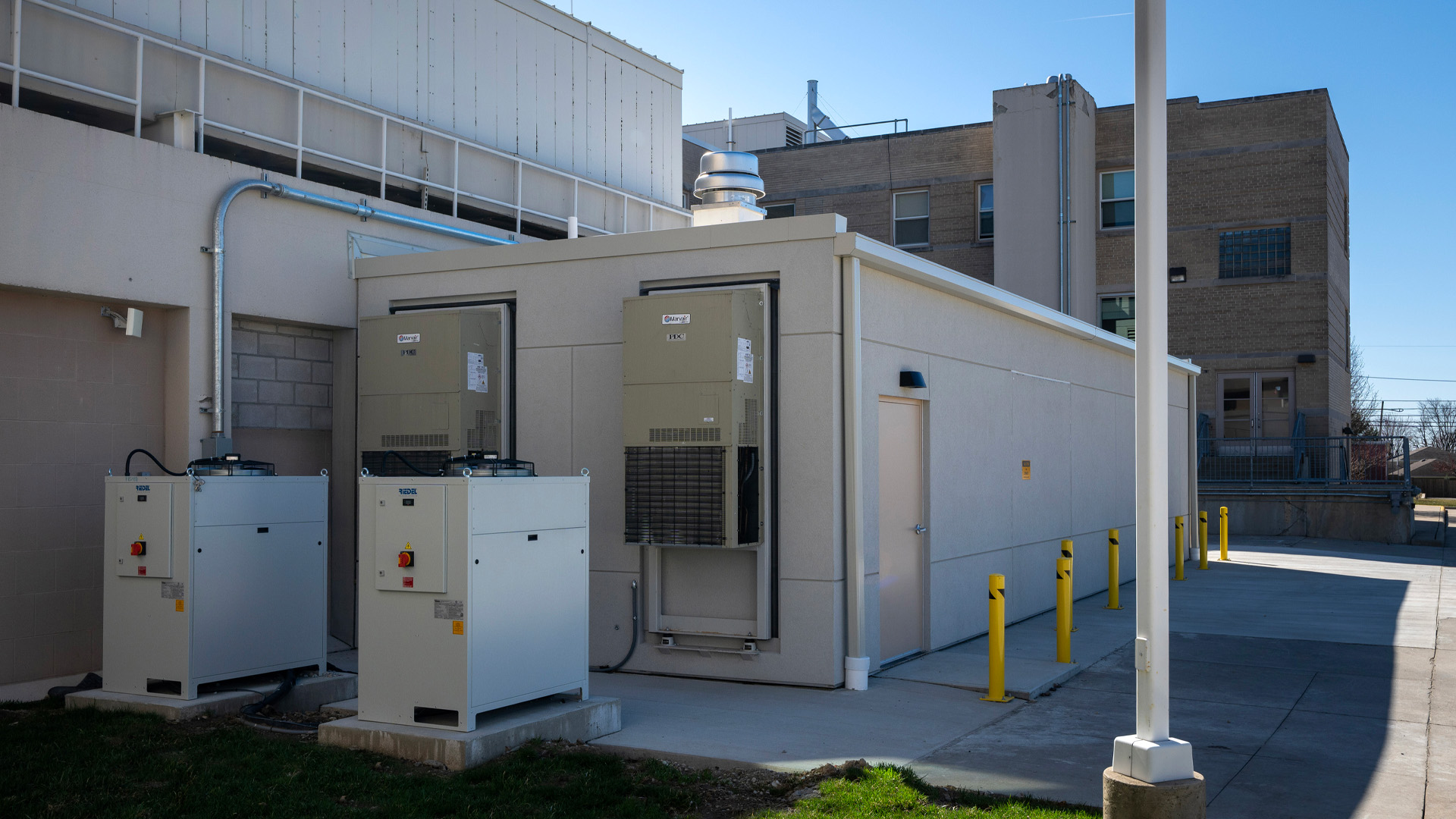
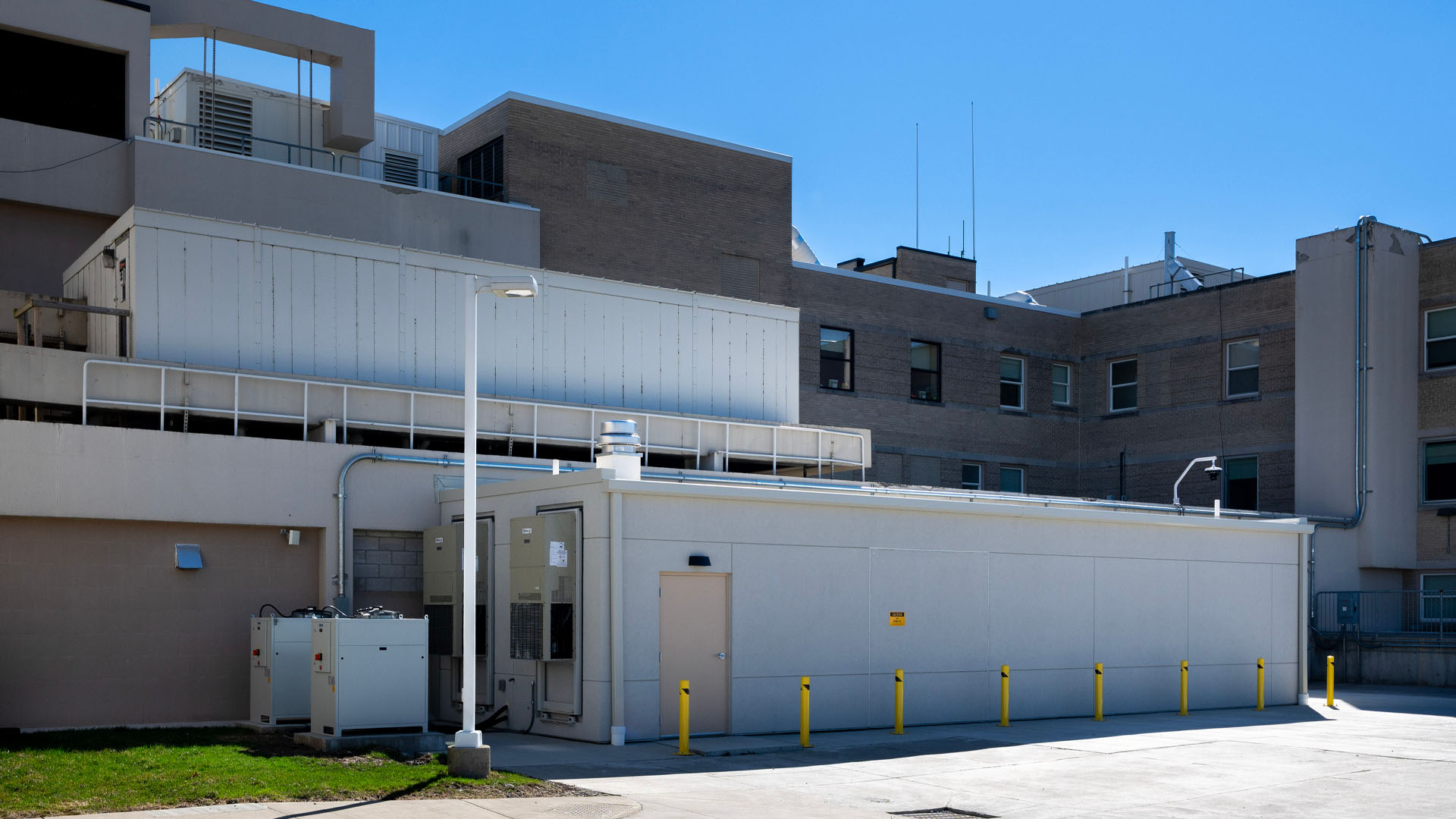
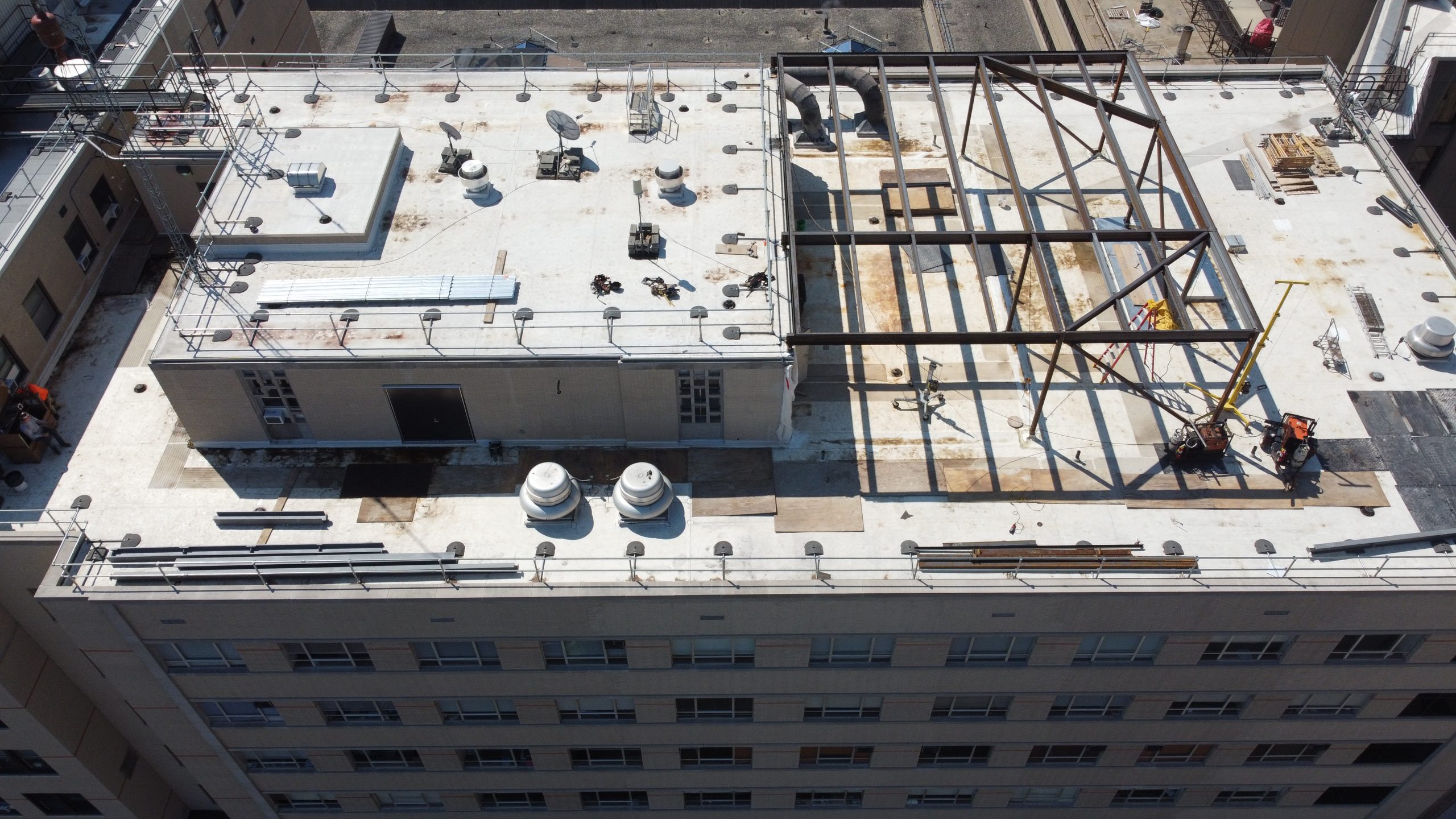
Outside view of the Prefabricated MRI Unit Addition at OhioHealth Hardin Hospital.

Why Most Facilities Need Both

A UPS and a generator aren’t competing solutions; they’re complementary.

  • The UPS covers the immediate loss of utility power and protects sensitive equipment from voltage dips or transfer interruptions.
  • The generator provides longduration power for the rest of the outage.

If your facility has equipment that cannot lose power under any circumstances, you need both layers.

One detail that often gets overlooked: when a UPS and generator are paired, the generator must be sized to handle both the building load and the UPS battery recharge load. If not, the system may overload during recovery.

Matching the Strategy to Your Facility

Every building has different needs. When we work with owners, we start with a few key questions:

  • What equipment cannot lose power, even for a fraction of a second?
  • How long does the facility need to operate during an outage?
  • Which loads are code-required, and which are owner-selected?
  • What fuel sources are available or practical for your site?
  • How will maintenance and testing affect operations?

Different facility types often land on different strategies:

Data centers rely heavily on UPS systems with generator backup.

Healthcare imaging suites often use vendor-supplied UPS units paired with facility generators.

Higher education campuses may back up only select loads in a few buildings with generators and distribute UPS where needed.

Commercial buildings may back up only life safety and critical operations.

Industrial facilities often require both high-capacity generators and selective UPS protection.

There’s no one-size-fits-all solution—only what fits your mission and risk tolerance.

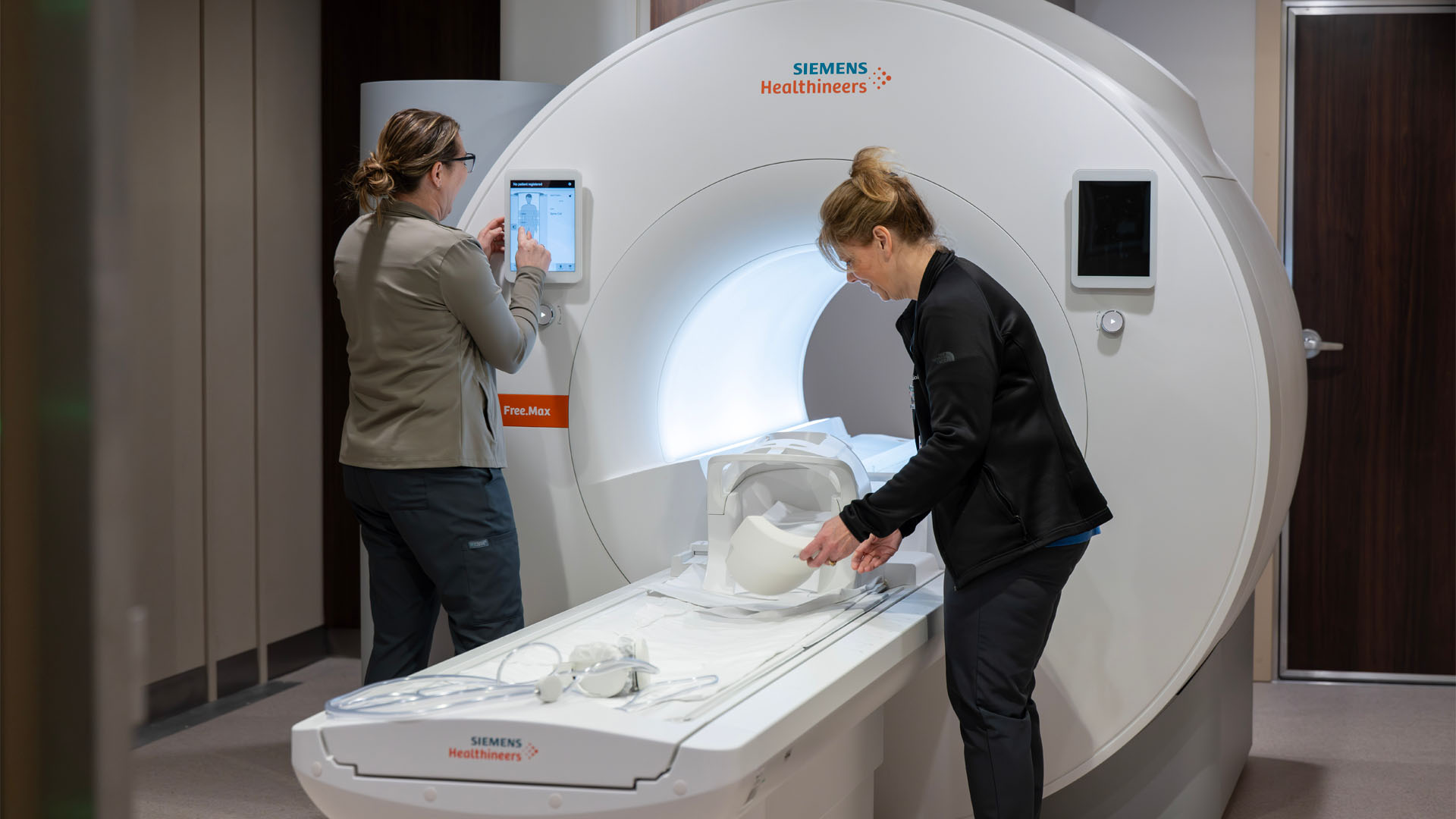
Design Collaborative employees in Charlotte North Carolina collaborate over architecture floor plans. Nurses work around an MRI machine at OhioHealth Hardin Hospital.

Building a Reliable Backup Power Plan

Backup power is more than a code requirement. It’s a strategy that protects your people, your equipment, and your operations. Understanding the roles of generators and UPS systems is the first step toward designing a resilient solution that fits your facility.

If you’re evaluating your current backup power setup or planning for future growth, our electrical engineering team can help you think through the options and design a system that supports your mission. Reach out to start a conversation.

Copyright ©2026 Design Collaborative